
From busy counter to useful insight.
Review sales over the period you choose, compare stores and see how items, staff and payment methods contribute.
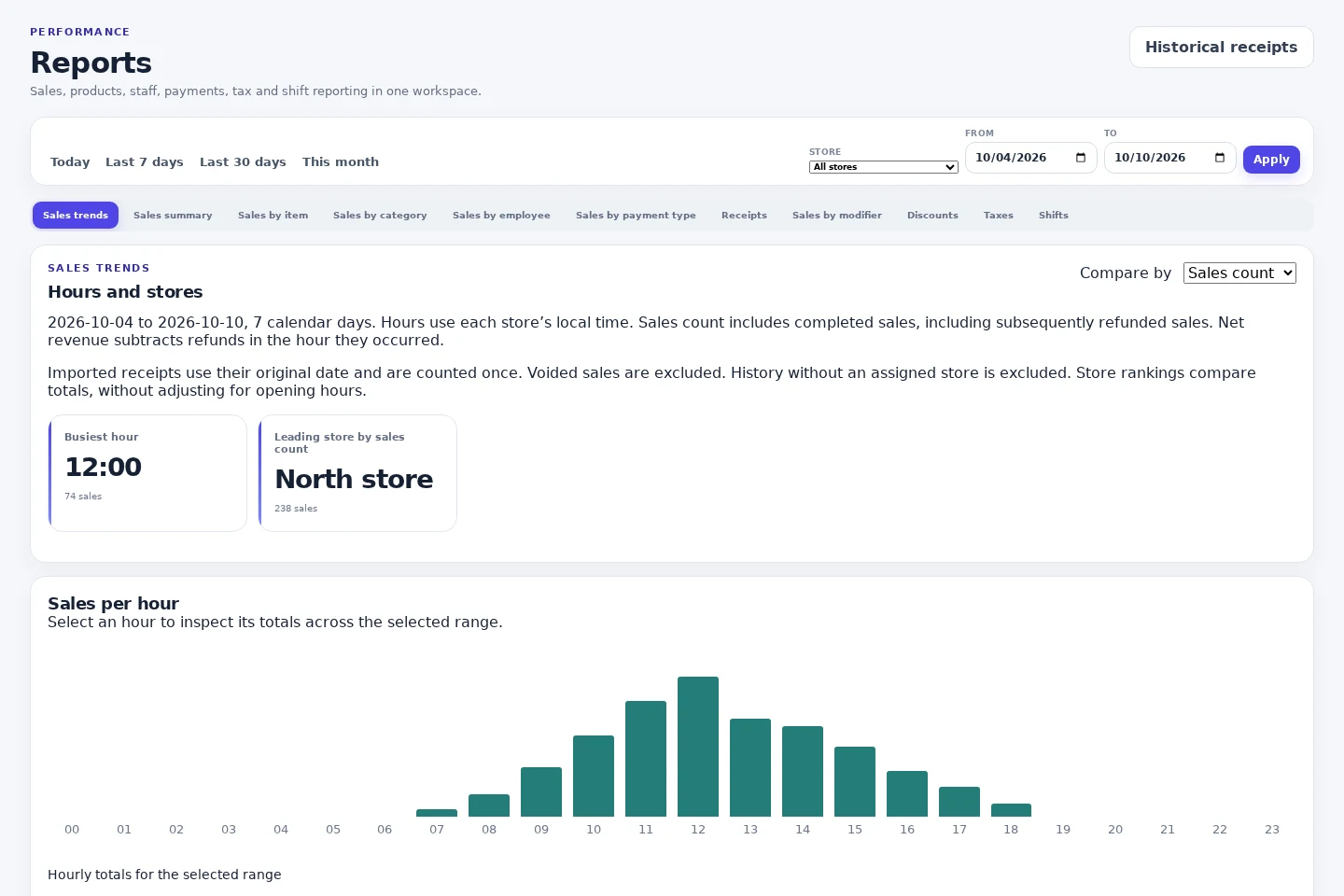
Start with a meaningful date range
Review today, yesterday, recent days, this month or a custom period. Sales totals, transaction counts and average transaction value help frame the result.
Look beyond a single total
Explore sales by item, category, employee and payment method. Hourly trends show the shape of the day, while discounts, refunds and GST reports provide further context.
Connect reports to reconciliation
Review payment totals alongside completed transactions and store cash sessions. Compare expected and counted cash, paid in/out and variances. Reports are management records, not a replacement for your accounting advice.
Keep exploring.
Multi-store
Manage store-specific prices, staff access, tills and reporting across locations with NOX POS. Clear monthly pricing per active store.
Explore multi-storeChoosing a POS
A practical small-business POS checklist covering checkout, stock, staff access, payment providers, receipts, store pricing and your trial evaluation.
Explore choosing a posDemo
Try the actual NOX POS till interface with fictional products. Build a sample basket and preview desktop, iPad, Android tablet and phone layouts without payments.
Explore demoA clearer view starts
at your counter.
Try the sample till or talk to us about your stores.